The ETS, one tap away.
Add it to your phone's home screen for instant, app-like access — no download, no tech issues, no app store, no waiting. Just you and The ETS, right at your fingertips.
ETS
The Empower Training System
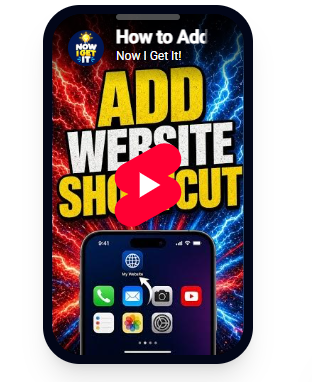
Tap play to watch
THEETS
Home Screen
The ETS App
1-Tap Instant Access
Quick Shortcut Guide· 60 seconds
Add The ETS shortcut to your home screen
Get quick, app-like access to The Empower Training System right at your fingertips — no app store download required.
1. Open The ETS
Open The Empower Training System in your phone's browser.
2. Tap Share
Tap the Share icon at the bottom or top of your browser.
3. Add to Home Screen
Scroll down and tap "Add to Home Screen".
4. Tap Add
The ETS app icon appears on your home screen for 1-tap access.